Squadron 42 Storage Space: 150GB SSD Requirement
Squadron 42's storage requirement explained — and how to prepare.
Squadron 42 requires 150 GB of storage on an SSD — one of the largest confirmed install sizes in PC gaming, and the requirement players most often underestimate. The SSD part is not a suggestion: the game streams its assets from disk in real time, and a mechanical hard drive will not keep up. This page explains the requirement and how to prepare your storage before launch.
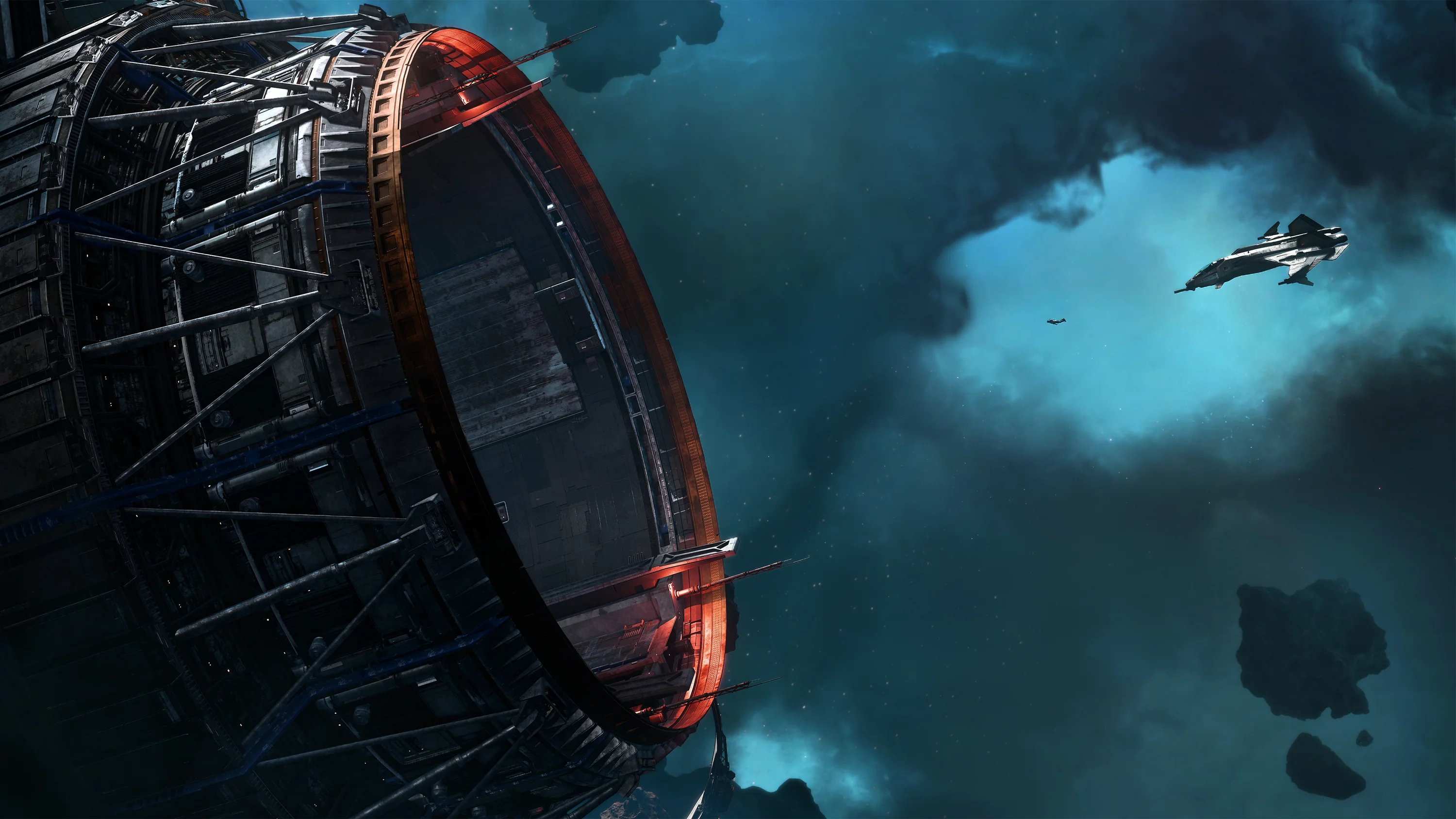
Why 150GB
The campaign's scope drives the size. Squadron 42 contains fully explorable capital ships — the 990-meter Bengal carrier, the Idris frigate, the Javelin destroyer — each with complete interiors. It contains performance-captured scenes for a Hollywood-scale cast, rendered at high resolution. It contains full planets, fleet battles with dozens of ships, and an orchestral score. All of that content, uncompressed and streaming-ready, adds up to an install measured in the hundreds of gigabytes rather than tens.
Why an SSD Is Required
The game's architecture streams assets continuously. When you walk from a carrier's hangar deck to the briefing room, launch into space and join a fleet battle, the game is loading and unloading gigabytes of data on the fly. A mechanical hard drive's seek times cannot keep pace with that stream — the result is stutter, texture pop and, in the worst cases, the game failing to load environments in time. An SSD — whether SATA or NVMe — handles the stream. This is the same reason Star Citizen specifies an SSD, and the two games share their streaming architecture.
How to Prepare
If you are short on space before launch:
- Check your current drive — open File Explorer, right-click your drive and select Properties to see free space
- Clear space — uninstall games you no longer play; modern AAA titles routinely occupy 100GB or more
- Move media files — videos and photos to an external drive or cloud storage
- Consider an NVMe upgrade — if your motherboard supports it, an NVMe SSD is the fastest and often most affordable large-capacity upgrade for a desktop PC
The Install Process
Squadron 42 will be distributed through Steam and the RSI launcher. The confirmed install size is 150GB; the actual download may differ depending on compression, and post-launch updates may add to the footprint over time. Planning for 200GB of free space on the drive you install to is a reasonable buffer for updates and patches.
What This Means for Small Drives
If your PC has a 256GB SSD as its only drive, installing Squadron 42 will consume most of it. The practical options: upgrade to a larger SSD (1TB NVMe drives are now inexpensive), or install to a secondary drive if your machine has one. The game must be on an SSD — installing to a secondary hard drive will not meet the requirement even if the space exists.
SSD Types and What to Expect
Both SATA and NVMe SSDs meet the requirement — the game needs SSD-level random read speeds, not necessarily top-end NVMe bandwidth. A SATA SSD's sequential speeds are lower than NVMe's, but both handle the game's streaming workload far better than any hard drive. If you are choosing between them for this game, capacity matters more than speed: a 1TB SATA SSD with 200GB free serves the campaign better than a 500GB NVMe drive that is nearly full.
Frequently Asked Questions
How much storage does Squadron 42 need?
The confirmed requirement is 150GB available on an SSD.
Can I install it on a hard drive?
No. The game streams assets in real time and requires an SSD. A hard drive will not meet the requirement.
Why is the install so large?
Fully explorable capital ships, performance-captured cinematics, high-resolution assets and a streaming architecture all contribute to the 150GB footprint.
Related Guides
Squadron 42 Graphics and Performance: What to Expect
Squadron 42 runs on the same engine and streaming tech as Star Citizen. Learn what hardware matters most for performance and how to prepare your PC.
Squadron 42 PC Requirements: Can Your PC Run It?
Can your PC run Squadron 42? Check your hardware against the confirmed specs — Windows 11, 16GB RAM, 8GB VRAM and a 150GB SSD — with upgrade advice.
Squadron 42 Supported Languages: Full List at Launch
Squadron 42 supports 10 languages: English full audio plus interface and subtitles in French, German, Spanish, Chinese, Japanese, Korean and more.
Squadron 42 System Requirements: PC Specs at Launch
Squadron 42 system requirements: Windows 11 64-bit, 16GB RAM, 8GB VRAM and a 150GB SSD. See the full confirmed PC specs and what hardware you need.